Invitations & RSVP · 8 MIN READ
Digital invitations and RSVPs: a clear guide for personal events
Connect readable invitation design, household guest lists, first-visit form testing, private links and practical RSVP follow-up.
By Honestly Zen Editorial · Published 2026-10-26

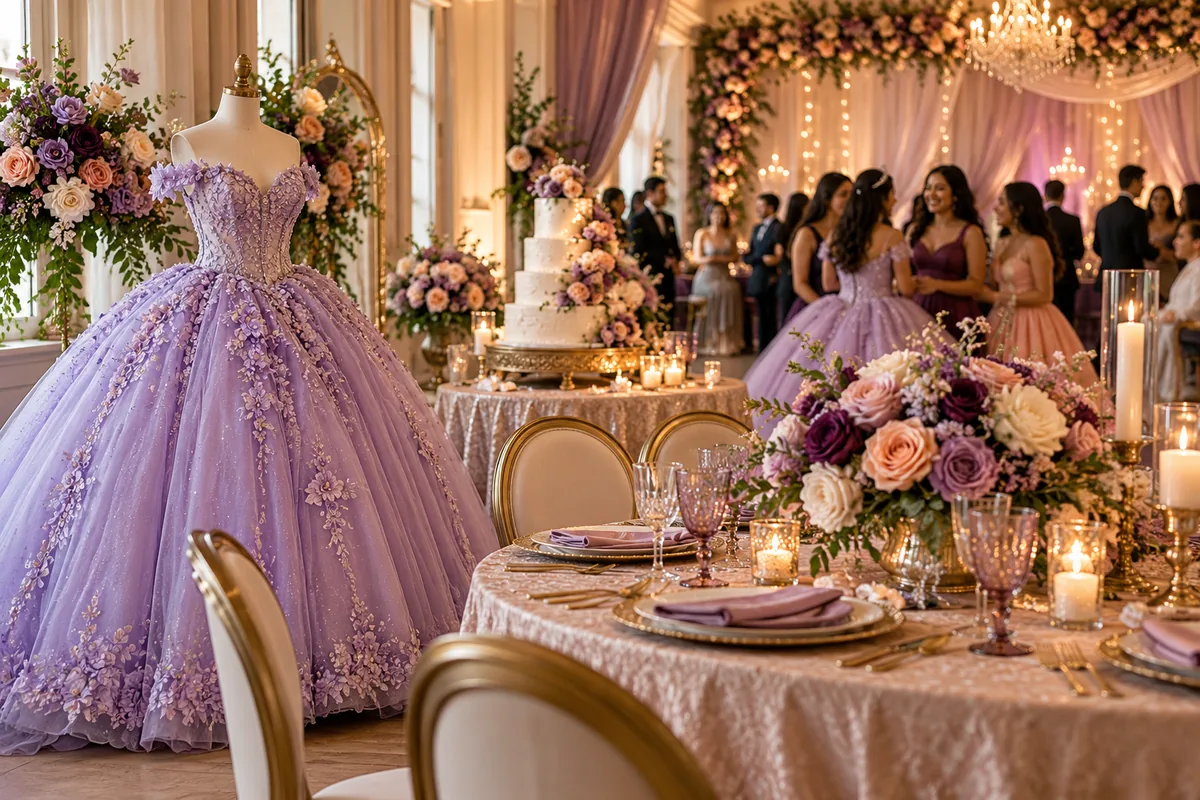
AI-generated editorial illustration.
A digital invitation does two jobs. It helps guests understand the occasion, and it gives them a clear next step. The design can create excitement, but the practical result depends on readable information, a working response form, and a guest list that stays current. A wedding, birthday, anniversary, graduation, or shower may need different wording, yet the invitation journey is similar: open the page, understand what is happening, respond, and find the details needed to attend. This guide explains how to build that journey thoughtfully, from choosing a design to following up with guests and checking the final attendance picture before the event.
Decide what belongs on the invitation
Start with the essentials: the people or occasion being celebrated, date, time, location, response deadline, and a clear RSVP action. State the format when it affects expectations. Guests should know whether they are being invited to a meal, a short ceremony, an open house, or an activity with a fixed start. If the end time matters for transport or accompanying adults, include it. Avoid relying on a decorative phrase to communicate practical information that can be stated plainly.
Use the event website for details that need more space or may change, such as parking, travel, dress code, contact information, and a guest-facing itinerary. Keep the same core facts across the invitation, website, calendar entry, and private guest page. If you update a time in one place, review the others. Decide which information is suitable for all invitees and which is specific to an individual household. A private guest response link should not be treated as a general social media link. The strongest invitation is not the one with the most content. It is the one that lets a guest understand the celebration and respond without guessing which instruction or link to use.
Choose a design that remains readable
A pre-designed background can provide a visual starting point while you add names and details in the design canvas. Uploading your own invitation is useful when you already have a finished design. In either case, check the invitation at the size guests will actually see on a phone. Decorative type, small text, and low contrast can make a beautiful design difficult to use. Keep the most important information large enough to read without repeated zooming and avoid placing essential details only inside a busy image.
Treat the cover photograph and the invitation design as separate choices. The cover can introduce the celebration with text and a countdown over the image, while the invitation below carries its own visual design. Select an image that works with the intended crop and check that faces or meaningful details are not hidden by the overlay. A darkened photo can help white text remain legible, but review the actual page rather than judging from the original file. Make the surrounding page colours support the invitation. A plain background may be useful when the invitation is visually detailed. Test the design after every major change, especially if you replace an image or switch between a template and an uploaded invitation.
Build a guest list that matches the form
Count people as well as invitation records. A household may include several named guests and an agreed seat allowance. Decide whether additional guests are permitted and make that clear before responses arrive. The form should reflect the invitation you intended to send rather than allowing an open-ended number of attendees by accident. Keep names and contact information understandable so the person responding knows which invitation they are completing.
Ask only for information that has a practical purpose. Meal choices are useful when a food provider needs them, while a custom question should help you make a real hosting decision. Avoid collecting sensitive information unnecessarily. For dietary or access needs, offer a way to clarify details privately if a short form answer is not enough. Keep the information available only to people who need it for the event. Check how children, additional guests, and household members are represented so attendance totals are meaningful. If you import a guest list, review the fields and duplicates before sending anything. A clean list makes the invitation process easier and prevents the confusion of different links or repeated reminders reaching the same household.
Test the first visit, not only the editor
Before sending invitations, open the actual guest preview in a new window and test the page as though you have never seen it before. Check that the cover, invitation, RSVP heading, form fields, and countdown appear in the expected order. Confirm that meal options and custom questions are visible on the first load without needing to toggle a setting off and on. A design editor preview and a real guest page can reveal different issues, so use the complete page preview for the final review.
Try the attendance choices and review the confirmation message. Check household limits, any required questions, and what happens when something is missing. Test on a phone as well as a larger screen where possible. Ask a trusted person who did not create the form to explain what they think they are being asked to do. Their questions can reveal assumptions you no longer notice. If the preview is read-only, complete a controlled test invitation through the normal guest flow and remove or label the test record appropriately afterwards. Verify the calendar link and event date too. A countdown can look convincing while counting towards a date or time that was entered incorrectly.
Share through the right channel
Choose the channel your guests are likely to use: email, text message, or a messaging app. Add a short personal introduction and one clear link rather than a long message with competing actions. If the app opens a sharing tool, review the recipient and message before sending. Opening an email or SMS composer does not mean the invitation has been delivered. Keep that distinction in mind when planning follow-ups and avoid marking somebody as contacted only because a sharing button was clicked.
Use individual private links for household responses and a general event page when posting information for a wider group. Double-check the address before sharing, especially after moving an app from a staging domain to the main domain. If you include a QR code on printed material, scan the actual downloaded version using another device. Confirm that it opens the intended page and that the code remains clear at the printed size. Offer an alternative response route for guests who cannot use the form. Update their response in the central record so the attendance count does not split between the app, a phone conversation, and an email thread.
Follow up kindly and keep information current
Set a response deadline based on the decisions you need to make, including food, seating, and venue requirements. Give guests enough context to understand why a response matters. Near the deadline, review the pending list and send a short reminder only to the relevant people. Avoid sending a general reminder that makes confirmed guests wonder whether their response was lost. Keep the tone welcoming and make it easy for someone to ask a question or decline without embarrassment.
Track changes after the initial response. A household may need to update attendance, a meal choice, or a practical arrangement. Confirm important changes and make sure the supplier-facing count uses the latest record. If you publish an event announcement, review the wording and intended audience before making it visible. Correct or unpublish outdated information so guests do not see competing instructions. Keep the public itinerary simpler than the working schedule when it helps; setup details and internal contacts usually belong with organizers. Before the event, check the invitation, website, private guest page, and calendar information once more. This final consistency review often prevents more questions than another decorative improvement would.
Turn responses into an event-day plan
Use confirmed responses to review seating, meal counts, check-in needs, and any guest-facing arrangements. Distinguish a household response from individual attendance so group invitations do not distort the totals. Share only the necessary information with helpers or suppliers. A seating export does not need to include private response links or every contact detail. Keep an offline copy of essential event-day information where practical, and give helpers a clear contact person for changes.
Honestly Zen connects invitation design, RSVP form editing, private guest links, guest management, calendar information, event websites, and planning tools according to the features available on the account. Features such as seating, check-in, a registry, or a gallery can be used when relevant rather than making every guest page carry every possible tool. The invitation journey should feel simple even when the planning behind it is detailed. After the event, save any records you want to retain and archive the celebration when it no longer needs active attention. A clear digital invitation does more than look polished: it reduces uncertainty for guests and gives the host information that can be used with confidence.
A final practical check
Before sending to the whole guest list, ask one trusted household to open its invitation on a phone and describe the next step. Check the first screen, the response form and the confirmation together. Correct anything confusing before expanding the send. A small realistic test gives you a chance to improve the experience while only a few people are affected, and it helps you answer later guest questions accurately.